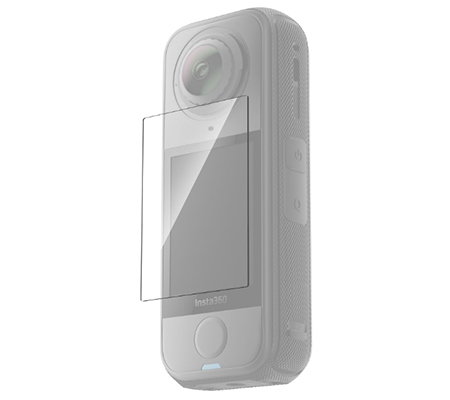
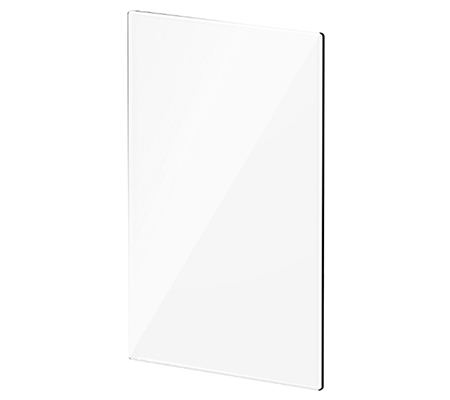
High-strength tempered glass protects against bumps, drops, and scratches.
Clear as day.
Over 90% light transmission keeps your display bright and natural.
Smooth moves.
2.5D rounded edges give a snug fit and silky touch from edge to edge.
Weight:
1.7g (0.1oz)
Dimensions:
37x52x0.4mm (1.5x2.0x0.02in)
Material:
Tempered glass, solid adhesive
How To Use
1. Clean the touchscreen with the screen cleaning wipe and screen cloth. Use the dust removal sticker to ensure the touchscreen is clear of dirt and grease.
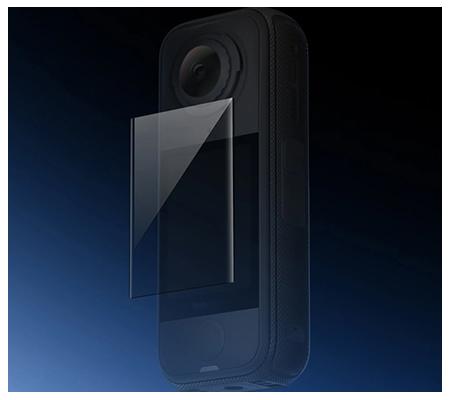
2. Peel off the backing film from the screen protector. Align the screen protector with the camera screen and gently apply it. The protector will automatically stick to the screen.
3. If air bubbles appear under the screen protector, press from the center toward the edges until all bubbles are gone. Notes*
1. When removing air bubbles, scrape from the center of the screen protector towards the edges.
2. Do not reuse a screen protector. Any dust or dirt on the screen protector may cause air bubbles and reduce adhesiveness.
3. If the screen protector moves during installation, use the film removal stick to remove it and repeat the steps in the How to Use section. Do not completely remove an installed screen protector.